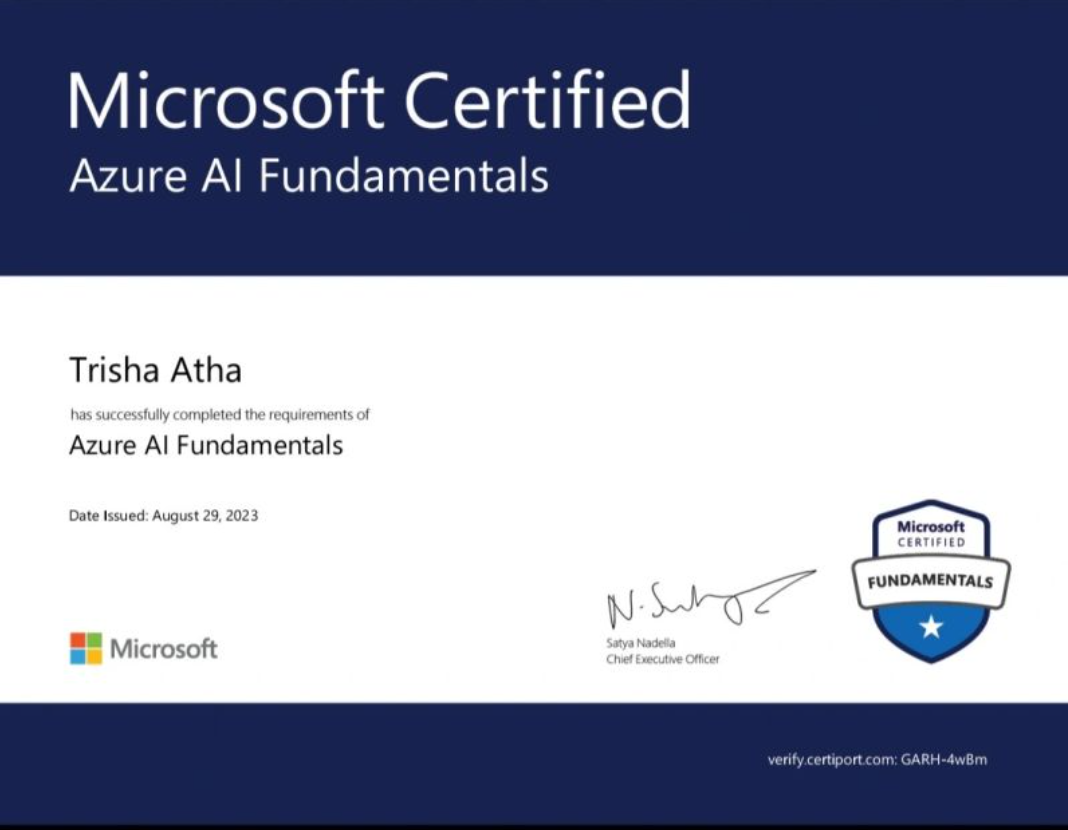
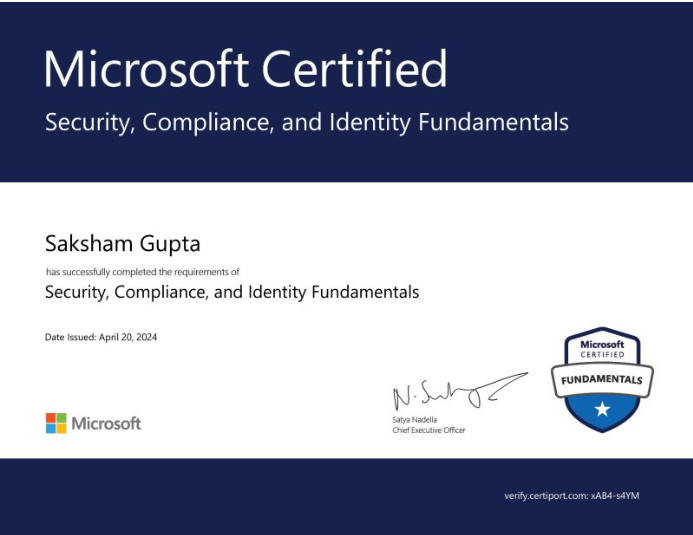
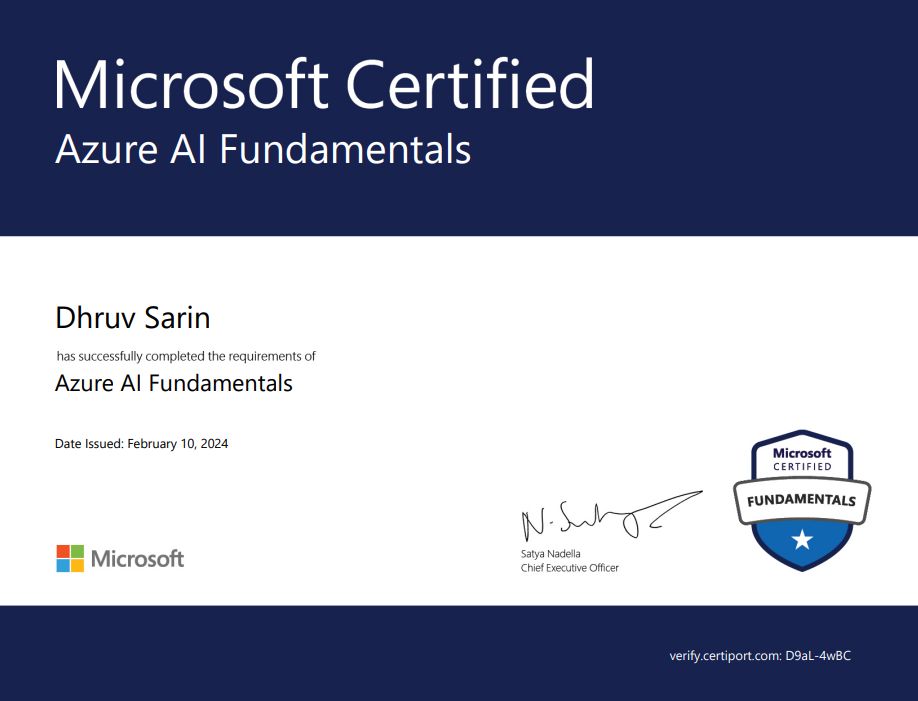
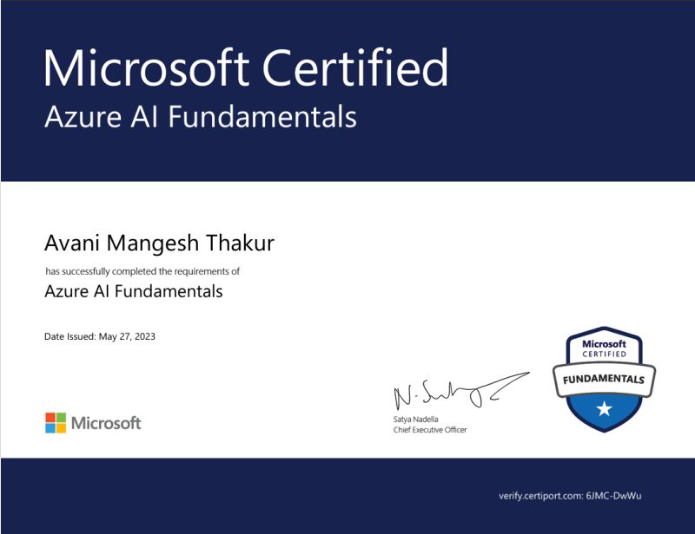
Coincent learners will now be certified by Microsoft.

Upskill & Transition to

AutoCAD/Catia/Ansys

3-year of live structured program designed by industry experts to upskill & successfully transition to AutoCAD/Catia/Ansys roles.

Duration : 2.5 month Each Year

Seat : 150 seats, only One Batch

Enroll Now Download Syllabus

From This 3 year Program, You Will Gain

All the Right Skills required to transition to Artificial Intelligence roles
Multiple Industry-Relevant Projects to showcase in your resume
Internship and placement assistance to help you launch your career as a Artificial Intelligence in top-tier companies.

1.1 Introduction to Catia

  • Overview of CATIA.
  • Understanding the CATIA workspace.
  • Introduction to Computer-Aided Design (CAD).

1.2 Sketching

  • Creating basic 2D sketches.
  • Using sketch tools.
  • Applying basic constraints.

1.3 3D Modeling

  • Creating simple 3D models from sketches.
  • Introduction to Part Design.

Benefits and Outputs:

  • Understand the basics of CATIA.
  • Create simple 2D sketches.
  • Build basic 3D models using CATIA.

2.1 CATIA Workbenches

  • Introduction to CATIA workbenches.
  • Sketcher – Creating 2D sketches.
  • Part Design – Developing 3D parts.
  • Assembly Design – Assembling multiple components.
  • Surface Design – Creating surface models.
  • Generative Drafting – Preparing 2D drawings from 3D models.

2.2 CATIA Interface

  • File Toolbar.
  • Menu Bar.
  • Application Toolbar.
  • View Toolbar.

2.3 Applications of CATIA

  • Furniture Design.
  • Construction
  • Aerospace Engineering.
  • Automotive Design.

Benefits and Outputs:

  • Identify the main CATIA workbenches.
  • Navigate the CATIA interface.
  • Understand the basic applications of CATIA in different industries.

3.1 Sketcher Interface

  • Introduction to the Sketcher workspace.
  • Understanding the Sketcher tools and layout.

3.2 Coordinate System

  • Understanding the X, Y, and Z coordinate system.
  • Positioning and creating sketches accurately.

3.3 Profile Toolbar

  • Creating basic sketch profiles.
  • Using line, circle, rectangle, and other profile tools.

3.4 Operations Toolbar

  • Editing and modifying sketches.
  • Applying basic sketch operations.

3.5 Constraints

  • Applying geometric and dimensional constraints.
  • Maintaining accurate and fully defined sketches.

Benefits and Outputs:

  • Navigate the Sketcher interface.
  • Create basic 2D sketches.
  • Use profile and operation tools.
  • Apply constraints to create accurate sketches

4.1 Basic Features

  • Creating Pad, Drafted Pad, and Multi-Pad features.
  • Building 3D parts from 2D sketches.

4.2 Material Removal Features

  • Creating Pocket, Shaft, Groove, and Hole features.
  • Modifying parts by adding or removing material.

4.3 Advanced Features

  • Using Rib, Slot, Solid Combine, Stiffener, and Multi Section Solid.
  • Creating complex part geometries.

4.4 Dress-Up Features

  • Applying Edge Fillet, Tritangent Fillet, and Draft Angle.
  • Improving the shape and finish of 3D models.

Benefits and Outputs:

  • Create basic and advanced 3D parts.
  • Apply material addition and removal features.
  • Use dress-up features to refine part models.
  • Develop complete 3D components using CATIA Part Design.

5.1 Introduction to Assembly Modeling

  • Overview of assembly design in CATIA.
  • Understanding the assembly workspace.

5.2 Assembly Constraints

  • Applying Fixed and Angle constraints.
  • Positioning and aligning components.

5.3 Assembly Exercise

  • Creating a Wheel Support Assembly.
  • Assembling multiple parts into a complete model.

Benefits and Outputs:

  • Understand the basics of assembly modeling.
  • Apply assembly constraints.
  • Use dress-up features to refine part models.
  • Create simple product assemblies in CATIA.

6.1 Introduction to ANSYS

  • Overview of ANSYS software.
  • Introduction to engineering simulation.

6.2 Finite Element Method (FEM)

  • Basics of the Finite Element Method.
  • Understanding simulation concepts.

6.3 Applications of ANSYS

  • Structural analysis.
  • Thermal analysis.
  • Fluid dynamics.
  • Automotive and aerospace applications.

6.4 ANSYS Interface

  • Introduction to the ANSYS workspace.
  • Working with Cells.
  • Understanding the Menu Bar.

Benefits and Outputs:

  • Understand the basics of ANSYS.
  • Learn the fundamentals of the Finite Element Method (FEM).
  • Identify common engineering applications of ANSYS.
  • Navigate the ANSYS interface and workspa

7.1 Truss Modeling

  • Introduction to truss structures.
  • Creating a truss model in ANSYS Workbench.
  • Defining material properties and supports.

7.2 Static Structural Analysis

  • Applying loads and boundary conditions.
  • Performing static structural analysis.
  • Evaluating deformation and joint deflection.

Benefits and Outputs:

  • Create a basic truss model in ANSYS Workbench.
  • Apply loads and support conditions.
  • Perform static structural analysis.
  • Interpret deformation and displacement results.

8.1 Frame Modeling

  • Introduction to frame structures.
  • Creating a frame model in ANSYS Workbench.
  • Defining material properties and supports.

8.2 Structural Analysis

  • Applying pressure and distributed loads.
  • Performing structural analysis.
  • Evaluating deformation and stress distribution.

Benefits and Outputs:

  • Model basic frame structures.
  • Apply structural loads in ANSYS.
  • Analyze deformation and stress results.
  • Understand the structural behaviour of frame systems.

9.1 Structural Analysis

  • Introduction to chassis analysis.
  • Evaluating stress and deformation.

9.2 Vibration and Fatigue

  • Understanding vibration analysis.
  • Assessing fatigue performance.

9.3 Crashworthiness

  • Introduction to impact analysis.
  • Evaluating chassis safety under loading conditions.

9.4 Design Optimization

  • Improving chassis design through material and geometry optimization.
  • Enhancing strength and performance.

Benefits and Outputs:

  • Understand the basics of chassis analysis.
  • Perform structural and vibration analysis.
  • Evaluate chassis performance under different loading conditions.
  • Understand basic design optimization concepts.

10.1 Introduction to AutoCAD

  • Overview of AutoCAD and CAD concepts.
  • Understanding AutoCAD applications in engineering and design.
  • Introduction to 2D drafting.

10.2 Career Opportunities

  • Mechanical Drafting.
  • Architectural Drafting.
  • Civil Drafting.
  • Electrical Drafting.
  • Interior Drafting.

10.2 AutoCAD Interface

  • Menu Browser and Quick Access Toolbar.
  • Ribbon and Menu Bar.
  • Command Line and Drawing Area.
  • Navigation and Status Bar.
  • Enhancing strength and performance.

Benefits and Outputs:

  • Understand the basics of AutoCAD.
  • Navigate the AutoCAD interface.
  • Identify career opportunities in CAD drafting.

11.1 Line

  • Creating straight lines.
  • Understanding basic drawing techniques.

11.2 Circle

  • Drawing circles using different methods.
  • Creating circular objects.

11.3 Polyline

  • Creating connected lines and arcs.
  • Editing polyline objects.

11.4 Circle

  • Drawing rectangular shapes.
  • Creating basic layouts and sketches.

Benefits and Outputs:

  • Use basic AutoCAD drawing commands.
  • Create simple 2D drawings.
  • Develop engineering sketches using Line, Circle, Polyline, and Rectangle commands.
  • Build the foundation for advanced drafting techniques.

12.1 Move

  • Moving objects to a new location.
  • Using base and destination points.

12.2 Trim

  • Removing unwanted portions of objects.
  • Cleaning up drawing intersections.

12.3 Offset

  • Creating parallel lines and curves.
  • Applying offset distances.

12.4 Mirror

  • Creating symmetrical copies of objects.
  • Using mirror axes for accurate drafting.

Benefits and Outputs:

  • Modify existing drawings using basic editing commands.
  • Create accurate and efficient design layouts.
  • Improve drafting productivity with editing tools.

13.1 Dimension Styles

  • Creating and modifying dimension styles.
  • Customizing text, arrows, and symbols.

13.2 Dimension Settings

  • Setting units, precision, and scale.
  • Applying dimensions to drawings.

13.3 Style Management

  • Maintaining consistent dimension styles.
  • Using multiple styles for different drawings.

Benefits and Outputs:

  • Create and manage dimension styles.
  • Apply accurate dimensions to drawings.
  • Maintain consistency in engineering documentation.

14.1 Layers

  • Creating and managing layers.
  • Controlling object visibility and properties.

14.2 Blocks

  • Creating reusable block objects.
  • Inserting and editing blocks.

14.3 Layer Management

  • Organizing drawings using layers.
  • Improving drafting workflow.

14.4 Block Libraries

  • Creating and using block libraries.
  • Standardizing common drawing elements.

Benefits and Outputs:

  • Organize drawings using layers.
  • Create and use reusable blocks.
  • Improve drawing efficiency through layer and block management.

15.1 Introduction to Isometric Views

  • Understanding isometric drawing concepts.
  • Creating 3D-like representations in 2D.

15.2 Isometric Planes

  • Switching between isometric planes.
  • Drawing on Top, Left, and Right isoplanes.

15.3 Isometric Grid

  • Using the isometric grid for accurate drafting.
  • Aligning objects in isometric view.

15.4 Applications of Isometric Drawing

  • Creating technical and engineering drawings.
  • Representing components and assemblies.

Benefits and Outputs:

  • Create basic isometric drawings.
  • Use isometric grids and planes effectively.
  • Develop technical drawings with improved visualization.

16.1 Extrude

  • Creating 3D objects from 2D sketches.
  • Applying extrusion to solid models.

16.2 Revolve

  • Creating 3D models by rotating profiles.
  • Designing symmetrical components.

16.3 Loft

  • Creating smooth 3D shapes using multiple profiles.
  • Understanding profile transitions.

16.4 Sweep

  • Creating 3D objects along a defined path.
  • Developing curved and pipe-like models.

Benefits and Outputs:

  • Create basic 3D models using AutoCAD.
  • Apply Extrude, Revolve, Loft, and Sweep commands.
  • Develop simple engineering components.

17.1 3D Viewports

  • Viewing models from different angles.
  • Using multiple viewports for better visualization.

17.2 Shading and Rendering

  • Applying visual styles to 3D models.
  • Using shading and rendering for realistic presentation.

Benefits and Outputs:

  • Understand Visualize 3D models from different perspectives.
  • Apply shading and rendering techniques.
  • Create presentation-ready 3D diagrams.

18.1 Fillet

  • Rounding edges of 3D solids.

18.2 Chamfer

  • Converting solid models into hollow objects.

18.3 Shell

  • Converting solid models into hollow objects.

18.4 Boolean Operations

  • Using Union, Subtract, and Intersect to modify solids.

Benefits and Outputs:

  • Edit and refine 3D solid models.
  • Apply Fillet, Chamfer, and Shell commands.
  • Use Boolean operations to create complex models.

19.1 Modeling a Screw Jack

  • Introduction to screw jack components.
  • Creating individual 3D parts.
  • Assembling the complete screw jack model.
  • Applying modeling and editing commands.

Benefits and Outputs:

  • Develop a complete 3D mechanical model.
  • Apply AutoCAD modeling and editing tools in a practical project.
  • Create engineering models suitable for design visualization and documentation.
Year 2 :- Application & Project Phase: Capstone Projects

Project 1 - Static Structural Analysis of Spur Gear using ANSYS

    Static Structural Analysis of Spur Gear using ANSYS

    • A spur gear is a mechanical component used to transmit motion and torque between parallel shafts in various machines.
    • Model the spur gear using CATIA and assign suitable engineering materials.
    • Perform static structural analysis in ANSYS to evaluate stress and deformation under different loading conditions and compare the results for material selection.

Project 2 - Modeling of Oldham's Coupling using AutoCAD 3D

    Modeling of Oldham's Coupling using AutoCAD 3D

    • Oldham's Coupling is used to connect two parallel shafts while accommodating slight misalignment.
    • Create the individual coupling components, including the base discs and sliding member, using AutoCAD 3D.
    • Assemble the complete model and verify proper alignment, fit, and functional movement of the coupling.

Project 3 - Modeling and Structural Analysis of Screw Jack

    Modeling and Structural Analysis of Screw Jack

    • Screw Jack is a type of Jack that is operated by turning a lead screw.
    • It is commonly used to lift moderately heavy weights, such as vehicles; to raise and lower the horizontal stabilisers of aircraft; and as adjustable supports for heavy loads, such as foundation of houses.

Project 4 - Structural and Modal Analysis of Composite Leaf Spring

    Structural and Modal Analysis of Composite Leaf Spring

    • The static structural and modal analysis is carried out on the steel multi leaf spring, Carbon epoxy and S-Glass Epoxy leaf springs using ANSYS.
    • Same dimensions are used in composite multi leaf spring using Carbon Epoxy, S-Glass Epoxy unidirectional laminates.
    • The load carrying capacity and weight of composite leaf spring are compared with that of steel leaf spring.

Project 5 - Modeling of Stuffing Box using CATIA

    Modeling of Stuffing Box using CATIA

    • A stuffing box is a sealing device used to prevent fluid leakage around rotating or reciprocating shafts.
    • Design the stuffing box and its major components using CATIA Part Design.
    • Assemble the complete model and validate the design for proper fit, sealing performance, and manufacturability.

Project 6 - Modeling & Structural Analysis of Composite Helical Spring

    Modeling & Structural Analysis of Composite Helical Spring

    • The suspension system is used to observe the vibrations from shock loads due to irregularities of the road surface.
    • Generally, for light vehicles, coil springs are used as suspension system.
    • A spring is an elastic object used to store mechanical energy and it can be twisted, pulled or stretched by some force and can return to its original shape when force is released.

Project 7 - Static Structural Analysis of Conventional Sugar Mill Roller Shaft

    Static Structural Analysis of Conventional Sugar Mill Roller Shaft

    • A sugar mill roller shaft is a key component used to crush sugarcane and transmit heavy loads in sugar processing industries.
    • Create the roller shaft model and assign appropriate material properties in ANSYS.
    • Perform static structural analysis to evaluate stress and deformation, and compare material performance to optimize the design.

Guaranteed Internship Phase

  • In Year 3, Coincent guarantees an internship with partner companies for every student at no extra cost.
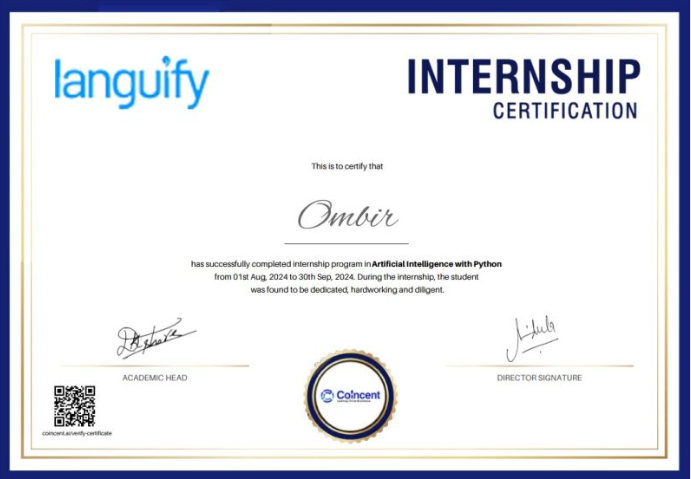
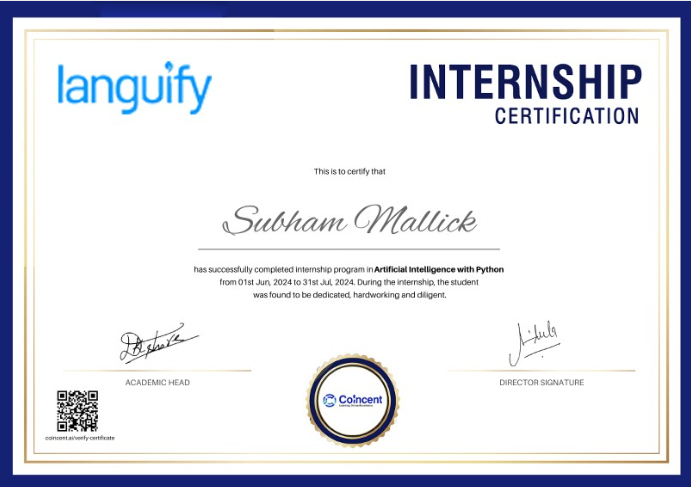
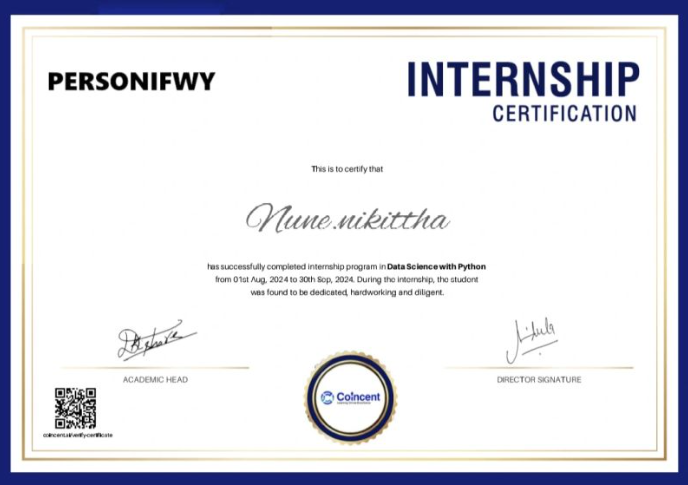
  • The internship includes a formal Internship Offer Letter and a Completion Certificate upon successful completion.
  • This is part of their “Industrial Training + Internship” model:
    • Training fees cover live classes, mentorship, and project work.
    • The internship phase itself is completely complimentary.

Structured Placement Preparation

  • Coincent supports students in portfolio-building with multiple completed projects (typically around 7+) and Microsoft-aligned certifications.
  • They provide:
    • Mock interviews
    • Resume reviews
    • Training for HR and technical rounds
  • All activities aim at preparing students for real-world hiring.

Final Take

  • Coincent’s 3rd year transforms theory into practical experience through a guaranteed internship.
  • Builds a robust credentials portfolio and equips you with placement-ready skills.
  • Via mock interviews and resume prep, If you're in your 4th year, this phase sets you on a clear trajectory from "training" to "hired."
Step Into Top Tech Roles
  • The top career opportunities for professionals skilled in AutoCAD, CATIA, and ANSYS span the fields of product design, manufacturing, automotive, aerospace, construction, and engineering analysis. Some of the key roles include:
  • CAD Design Engineer: Creates detailed 2D drawings and 3D models using AutoCAD and CATIA for product development, manufacturing, and engineering documentation.
  • Mechanical Design Engineer: Designs mechanical components and assemblies using CATIA while ensuring functionality, manufacturability, and compliance with engineering standards.
  • CAE Analysis Engineer: Performs structural, thermal, and fatigue analysis using ANSYS to evaluate product performance, optimize designs, and improve reliability.
  • Product Design Engineer: Develops innovative mechanical products by combining 3D modeling, assembly design, and engineering simulation tools.
  • CAD Draftsman: Prepares technical drawings, production layouts, and manufacturing documentation using AutoCAD for mechanical, civil, and industrial applications.
  • Automotive Design Engineer: Designs and validates automotive components using CATIA and ANSYS, focusing on performance, safety, and durability.
  • Aerospace Design Engineer: Develops aircraft components and assemblies using CATIA and performs engineering simulations in ANSYS for structural validation.
  • Simulation Engineer: Conducts finite element analysis (FEA) using ANSYS to analyze stress, deformation, vibration, and material behavior under different operating conditions.
  • Tool and Die Design Engineer: Designs manufacturing tools, dies, molds, and fixtures using CATIA and AutoCAD to support production processes.
  • R&D Design Engineer: Works on product innovation, prototype development, and engineering optimization by integrating CAD modeling and simulation techniques.

Our Alumni Are Placed At

Voices of Our 3-Year Program Students

Read how Coincent’s training, mentorship & certifications helped students build careers.

AVANI THAKUR
Thrilled to share that I’ve earned my Microsoft Certification...
THRISHA ATHA
Thrilled to share that I’ve officially cleared the Microsoft Certification exam with...
SAKSHAM GUPTA
Excited to share that I’ve earned the Microsoft Certified: Cyber Security certification!
DHRUV SARIN
I’m excited to announce that I’ve officially cleared the Microsoft Azure AI...
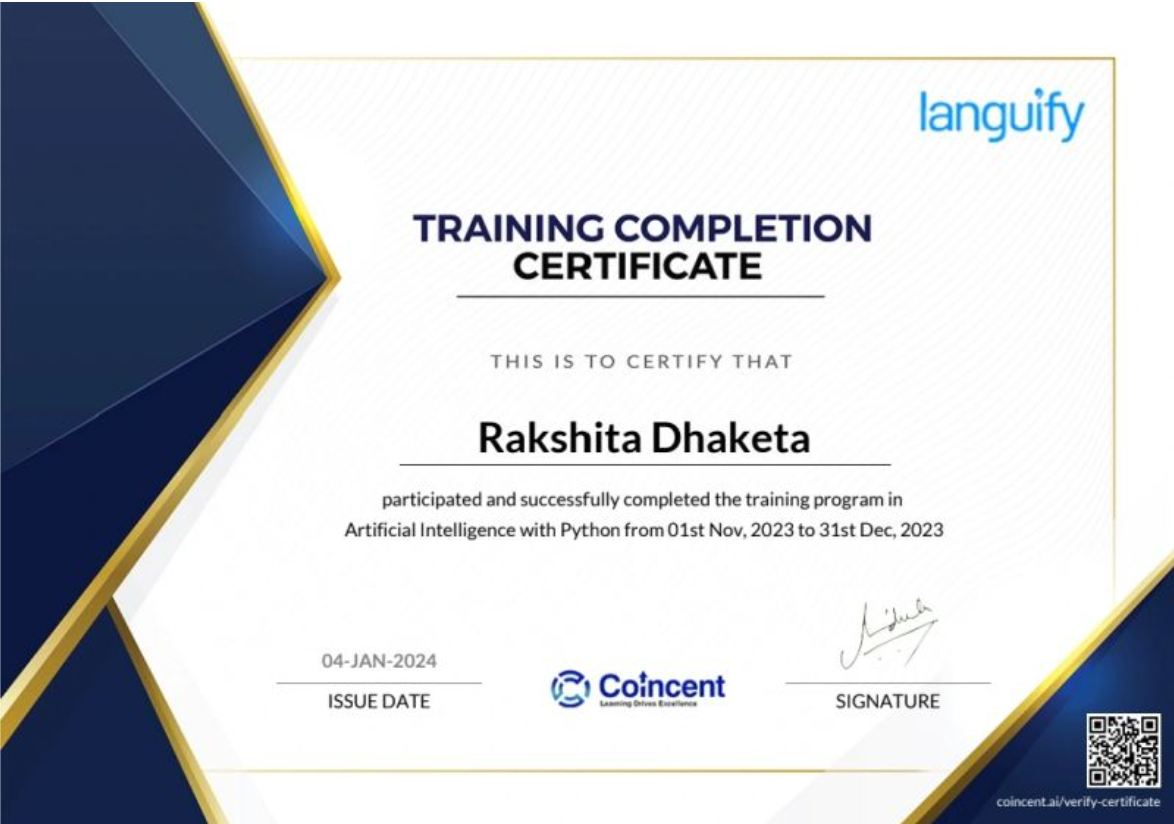
RAKSHITHA DHAKETA
In 2023, as part of Coincent’s 3-Year Program, I built a project where I developed...
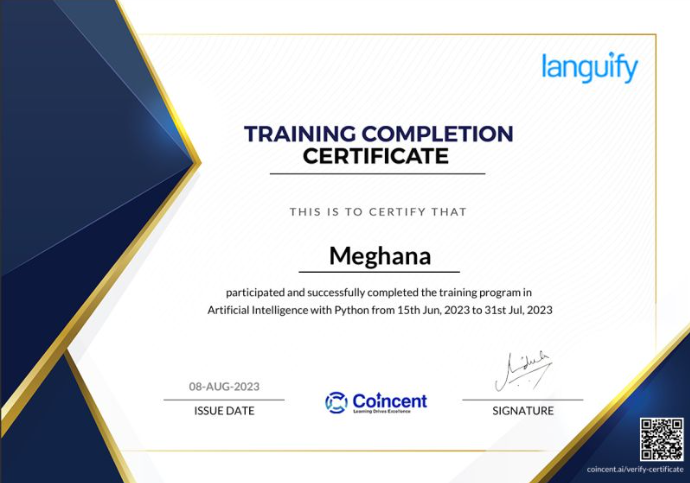
MEGHANA KALYANI
In 2023, I embarked on a transformative journey as part of Coincent’s 3-Year...
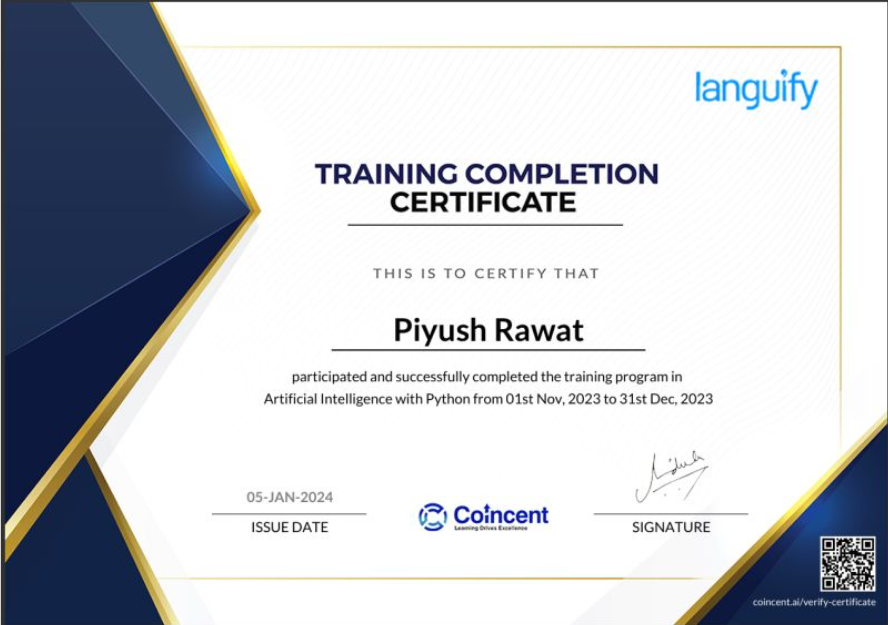
PIYUSH RAWAT
I’m thrilled to announce that I’ve successfully completed the “Artificial Intelligence...
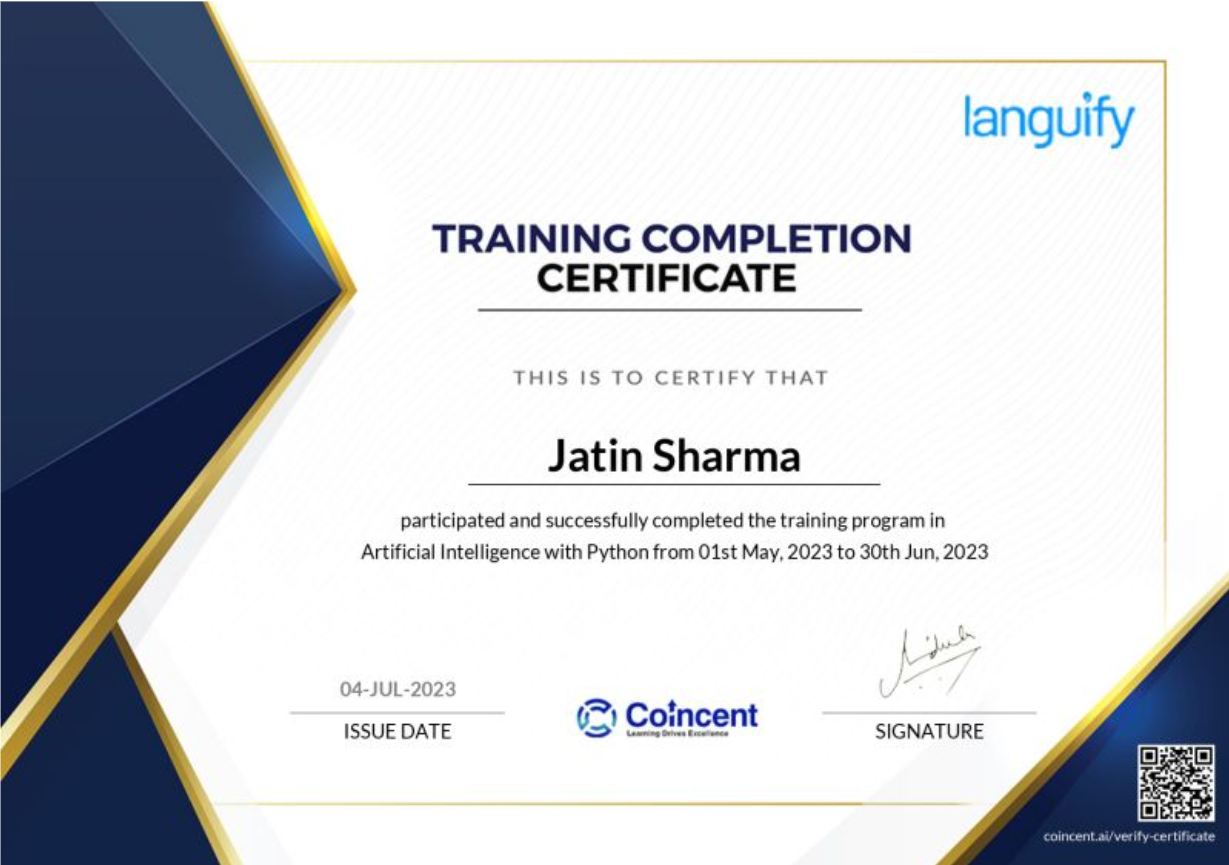
JATIN SHARMA
I’m thrilled to share that I have successfully completed my Artificial Intelligence...
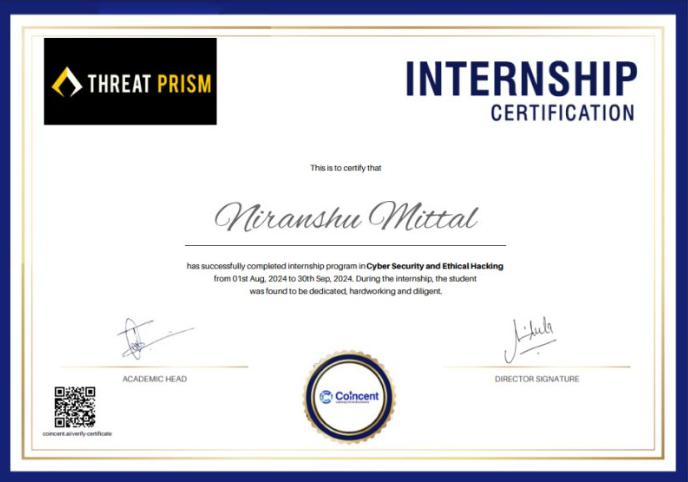
NIRANSHU MITTAL
I’m excited to announce the successful completion of my internship in Cybersecurity...
OMBIR SHEORAN
I’m happy to announce that I’ve successfully completed my Artificial Intelligence...
SUBHAM MALLICK
I’ve completed an enriching Artificial Intelligence with Python internship...
NIKITTHA NUNE
I’m thrilled to share that I’ve successfully completed my Data Science with Python...
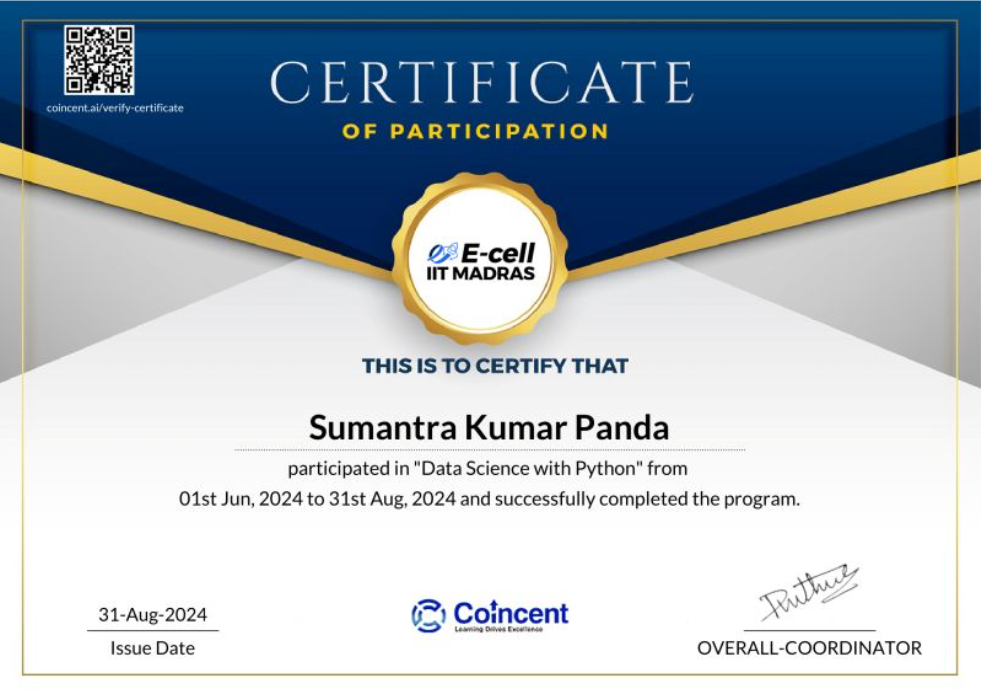
SUMANTRA KUMAR
I’ve successfully completed my Data Science with Python internship and training...
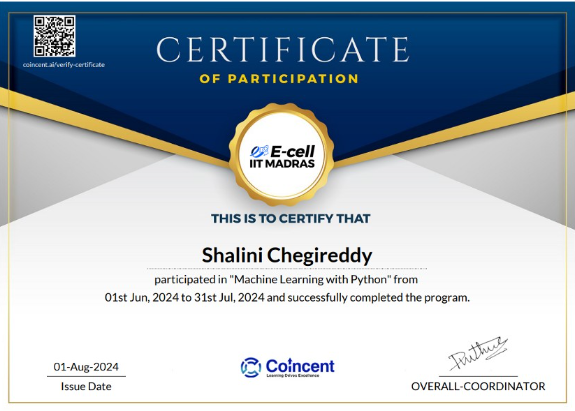
SHALINI CHEGIREDDY
I’ve successfully completed my Machine Learning internship with Coincent.ai...
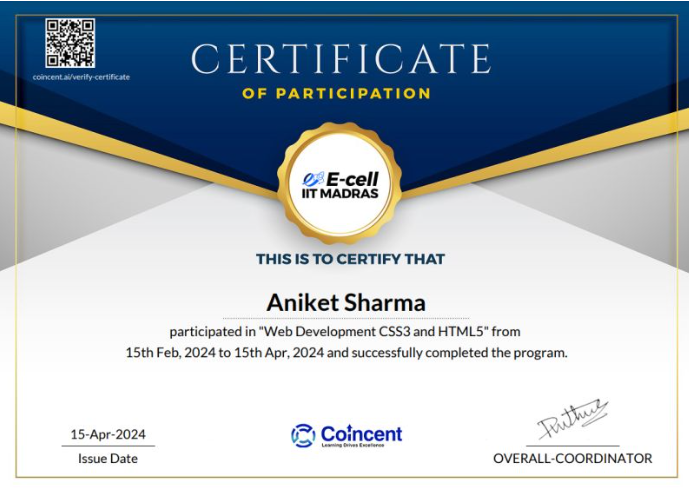
ANIKET SHARMA
I’ve successfully completed a comprehensive Web Development course...
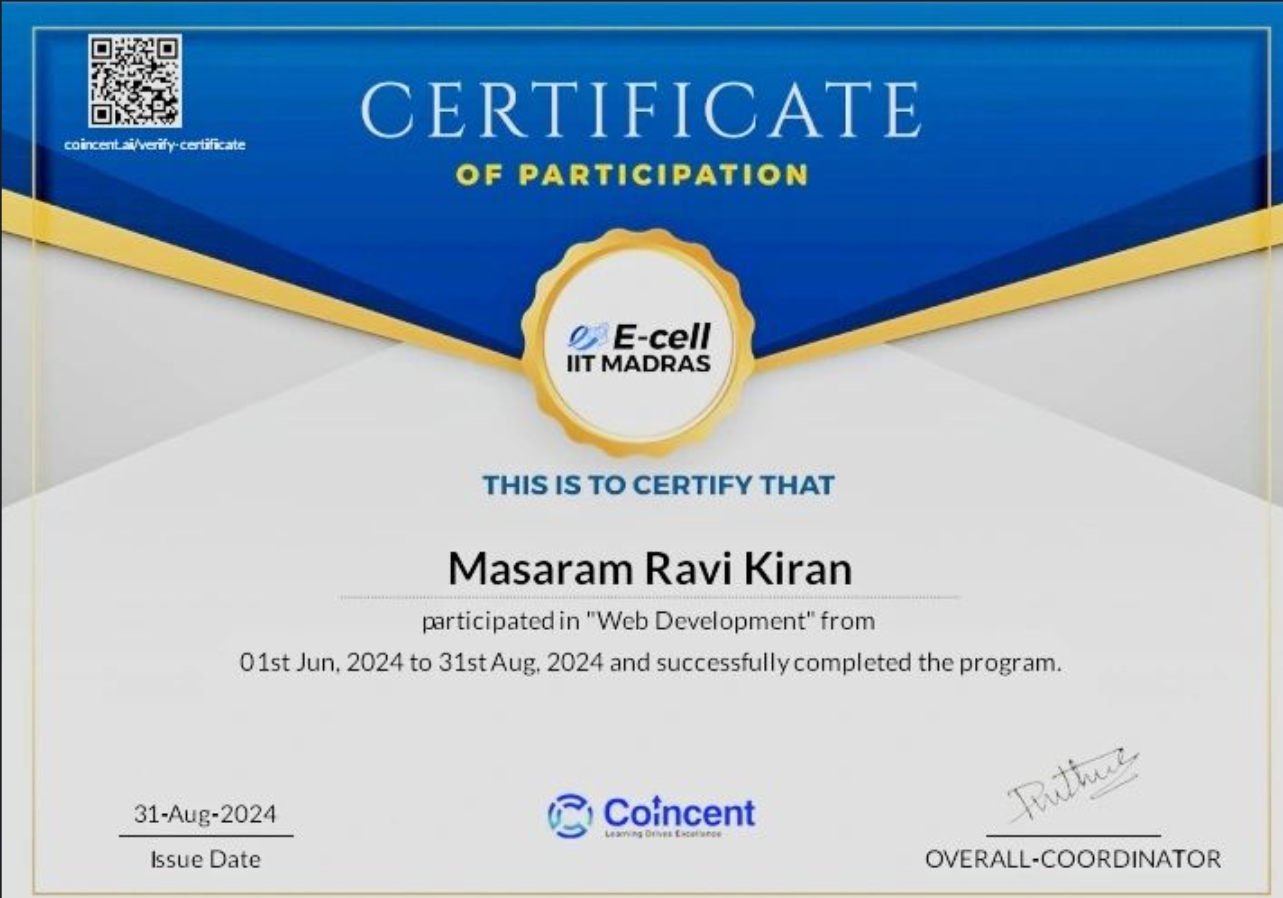
MASARAM RAVIKIRAN
I’m happy to share that I participated in the Web Development course...

Coincent 3 Year Program Price Details

Details & Benefits
  • Program Duration: 3 Years
    • Year 1: 2.5 Months of Live Industrial Training
    • Year 2: 3 Months of Project-Driven Learning & Real-World Application
    • Year 3: 3 Months of Guaranteed Internship and Placement Support
  • 30+ Hours of Content
  • 8 Live Projects (with mentor guidance)
  • Lifetime Dashboard Access
  • Project Completion Certificate
  • Internship Completion Certificate
  • Microsoft Certificate
  • Customized Resume Builder & Placement Assistance

3 Year
Program Fee

Rs. ₹ 4999.00/-
(per Domain)

Limited Seats Available
(150 seats Each Domain)

Details & Benefits
  • Program Duration: 3 Years
    • Year 1: 2.5 Months of Live Industrial Training
    • Year 2: 3 Months of Project-Driven Learning & Real-World Application
    • Year 3: 3 Months of Guaranteed Internship & Placement Support
  • Bonus: Free Domain in Startup & Entrepreneurship
  • 70+ Hours of Content
  • 16+ Live Projects (with mentor guidance)
  • Lifetime Dashboard Access
  • Project Completion Certificate
  • Internship Completion Certificate
  • Microsoft Certificate
  • Customized Resume Builder & Placement Assistance

3 Year
Program Fee

Rs. ₹ 6999.00/-
(Combo Domain)

Limited Seats Available
(150 seats Each Domain)

Frequently Asked Questions

The Coincent 3-Year Program is a structured, long-term learning track designed for students from first year to final year of engineering or related degrees. It focuses on gradually building expertise across key domains through hands-on learning, career preparation, and mentorship.

Undergraduate students in the first year of B.Tech/B.E, BCA, or B.Sc. streams are eligible to join, provided they have scored above 50% in their 12th standard. This program is ideal for students who aim to develop strong technical skills and become industry-ready by the time they graduate.

  • Structured learning from foundation to advanced levels in your chosen domain (AI, ML, Web Development, VLSI, IoT, Embedded Systems, etc.)
  • Year-wise curriculum with clear progression tracking — Download Brochure
  • Hands-on industry projects, internships, and exposure to real-world research
  • Mentorship from experienced industry professionals
  • Comprehensive career support, including resume building, mock interviews, and referral opportunities

The Coincent 3-Year Program offers multiple valuable certifications to enhance your career profile:
  • Participation & Industrial Training Certificate: Awarded by partnered companies upon successful completion of the 1st-year industrial training.
  • Microsoft Certification: Available for candidates who choose domains like Artificial Intelligence, Machine Learning, Data Science, or Cyber Security, upon clearing the relevant Microsoft exam.
  • Internship Completion Certificate: Provided by partnered companies to students who successfully complete their internship in the 3rd year.
  • Letter of Recommendation (LOR): Issued in the final year to students who have successfully completed both the internship and the placement preparation phase.

No, there are no additional charges. The total fee for enrolling in the Coincent 3-Year Program is Rs.3,500, and this includes access to Microsoft certification training and exams, as well as all other program benefits.

Coincent is able to offer this program at such an affordable cost because 50% of the program expenses are sponsored by partnered companies. These companies not only support the training but also consider hiring top-performing candidates directly in the final year.

In the first year, candidates will undergo live industrial training in selected domain. The purpose of this training is to provide real-time theoretical exposure and practical insights into the domain. The training will span approximately 2.5 months, with live sessions conducted two to three times a week by experienced industry experts.

In the second year, candidates will work on live projects under the guidance of industry experts. They will complete a total of 8 projects, providing them with valuable real-time exposure. The duration of this phase will be 2.5 months.

In the third year, candidates will participate in an internship designed to provide hands-on industry experience. During this period, they will work directly on company projects within their chosen domain. Following the internship, a comprehensive placement preparation phase will be conducted, covering aptitude, soft skills, and domain-specific interview training.

Please note that the internship will be offered only upon successful completion of the live projects conducted in the second year.

Yes, students receive year-wise, domain-specific program certifications. The certificate includes industrial training completion, internship & participation, and is endorsed by our industry partners.

Additionally, students who opt for domains such as AI, ML, Data Science, or Cybersecurity will receive a Microsoft certification as part of the program.

Yes, the Coincent 3-Year Program is designed to complement regular college academics. All learning modules are delivered through flexible evening live sessions led by industry mentors and experts.

Sessions are typically scheduled at 6:00 PM, making it convenient for students to balance both college and skill development.

You can apply through the Coincent official website(Coincent.ai) or or you can directly register by clicking on the below Link Apply Now

Absolutely. In the final year, candidates receive comprehensive placement support, which includes aptitude training, resume building, technical mock interviews, portfolio development, and Interview rounds with hiring partners.

Yes, candidates can change their selected domain within 24 hours of registration. However, we highly encourage you to register only after you’re fully confident about the domain you want to pursue and build real-time industry exposure.
Once registered, your seat is immediately reserved with one of our partnered companies. These industry partners offer only 150 domain-specific seats, and since we run just one batch per year, seat allocation is both limited and competitive.

Coincent conducts only one batch per year, with a limited intake of 150 slots per domain. This ensures a focused approach, personalized attention, and high-quality service for every student.

Coincent offers only high-demand domains to ensure that candidates gain relevant and industry-ready skills. Participants can choose one or more of the following domains:
  • Artificial Intelligence
  • Data Science
  • Machine Learning
  • Full Stack Development
  • Cyber Security
  • UI/UX Design
  • Embedded Systems
  • VLSI Design
  • IoT & Robotics
  • Startup and Entrepreneurship

No, the Coincent Program is offered exclusively to first-year students and freshers. We run only one batch per year to ensure that each candidate receives structured guidance, real-time industry exposure, and the full benefits of the complete 3-year journey.

Yes! In the second year—your Live Project Phase—you’ll work on 7 to 9 real-world projects based on your selected domain, all under the guidance of experienced industry experts. This hands-on experience is designed to strengthen your practical skills, and you'll receive continuous feedback from mentors to support your improvement and growth throughout the process.

Yes! Coincent provides direct mentorship from experienced professionals working at top companies like Microsoft, Google, Intel, and others. These mentors lead regular live sessions, offer project reviews, and provide personalized career guidance throughout the program.

All live sessions at Coincent are recorded and uploaded to your Learning Management System (LMS). You can watch them at your convenience and easily catch up before the next assignment or session.
Each student is provided with a personal learning dashboard to monitor their progress. In the first year, after completing the industrial training, an assessment will be conducted and evaluated by industry mentors. In the second year, each project will be graded to measure ongoing performance. Only candidates who successfully complete all assigned projects will qualify for the internship in the third year.

Yes! Coincent certificates are issued by our partnered industry companies, making them widely recognized and valued by employers worldwide. Additionally, candidates who choose domains like Artificial Intelligence, Machine Learning, Data Science, or Cyber Security will also receive a certificate from Microsoft upon successfully clearing the relevant exam.

Yes, mentorship is a core part of the Coincent 3-Year Program and is provided throughout all three phases.
  • In the 1st year, students receive mentorship through live industrial training sessions.
  • In the 2nd year, mentorship continues with guidance during live project work.
  • In the 3rd year, students benefit from internship mentorship along with dedicated placement support.

This continuous mentorship ensures personalized guidance and growth at every stage of the program.

Candidates are eligible to appear for the Microsoft certification exam after completing the 1st-year Industrial Training and before beginning the 2nd-year Live Project Phase.

This certification is available only for specific domains:

  • Artificial Intelligence
  • Machine Learning
  • Cyber Security
  • Data Science

Yes, the Coincent 3-Year Program includes dedicated training to help you prepare for Microsoft certification exams. Once you successfully clear the exam, you will receive an official certificate directly from Microsoft.

Yes, absolutely! The program is specifically designed for freshers, including those from non-technical backgrounds. The curriculum starts from the basics, making it easy to follow and build skills step by step. Additionally, Coincent offers only high-demand domains that are supported and delivered by our partnered companies, ensuring both quality and relevance in today’s job market.

You will have lifetime access to the dashboard. All live session recordings will also be available in the LMS section of the dashboard for you to revisit anytime.

The Coincent 3-Year Program has a no-refund policy. Once you register, your seat is reserved with one of our partnered companies, and we do not offer refunds under any circumstances.

Yes, absolutely! Interaction with instructors is highly encouraged. Since Coincent conducts only one batch per year with a limited intake of 150 candidates per domain, industry experts are able to engage directly with students during live sessions—ensuring a more personalized and interactive learning experience.

Coincent offers a full refund only if our partnered companies fail to deliver the promised services on time.

However, we strongly advise candidates to register only if they are fully clear about the program and aligned with its goals. Since there is only one batch per year per domain, your seat is instantly confirmed with the respective partnered company upon registration.
Therefore, the program is non-transferable and non-refundable under normal circumstances.
Absolutely. Coincent provides additional support including resume building tools, mock interviews, and career guidance from industry experts to help you confidently step into the job market.